
Know-how
Introducing conversational UI components
Version 1.0 · Published 2023-06-13
Introduction
It’s possible you’ve never heard of conversational UI before so let’s start with a quick definition of what it means to us before we dive in. Conversational UI components are UI elements that allow for conversations with users within a product interface, providing guidance and help at every step of the journey.
With the conversational UI components of Unless, it’s time to forget about isolated chatbots. In just a few steps, you can turn your user experience into a dialogue so your users can interact with your product on human terms.
For years we have been building a platform aimed at improving the experience of users on a website or in a product. We started in personalization, added a/b testing capabilities, widened segmentation possibilities, made it easier for companies to quickly add and test new features with our component framework, and more.
Now, finally, technology has caught up to make our vision a reality! Make your website respond like a human would. The recent rocket-speed developments in AI and the massive interest in and adoption of GPT technology have meant people are less scared of AI and actively looking for ways to implement it in their products. Well, that’s where we come in!
Conversational UI allows machines to understand, interpret, and generate human language by leveraging large language models (LLM) and machine learning (ML). This enables businesses to have intelligent, personalized conversations with customers at scale. Now let’s take a look at the building blocks of our conversational UI.
Ps. Your concerns are valid and we address some of them in this post.
Building blocks
In a simplified manner, our conversational UI is made up of three main building blocks. There is your UI template which is a component, an AI persona, and data source(s) aka training material for your AI or integrations to connect your favorite tools and services. Let’s find out a bit more about each of these building blocks.
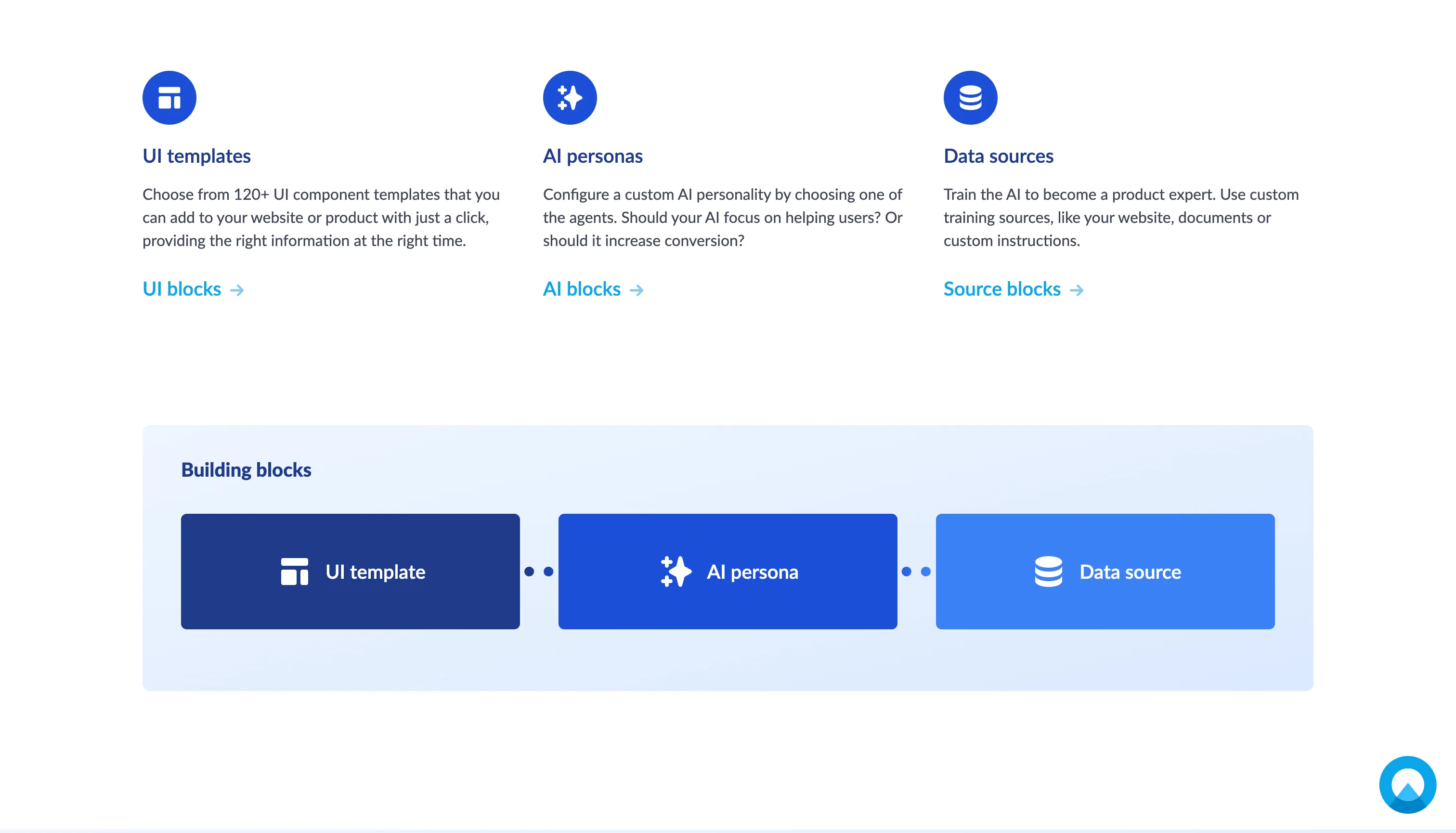
UI template
One of the major things that set us apart from other conversational UI solutions is that they almost always refer to a chatbot. The conversations are contained within that familiar rectangle that pops up from a circle on the bottom right corner of a page.
In the case of Unless however, you can start a conversation anywhere in your product!
This is made possible by our components library with 120+ templates to choose from. Plus, you can even compose your own templates using our component framework and API or make a request to our team. These templates include bars, pop-ups, sideboxes, popovers, and multi-step components. They can be overlays or inserted anywhere on a page with a simple click.
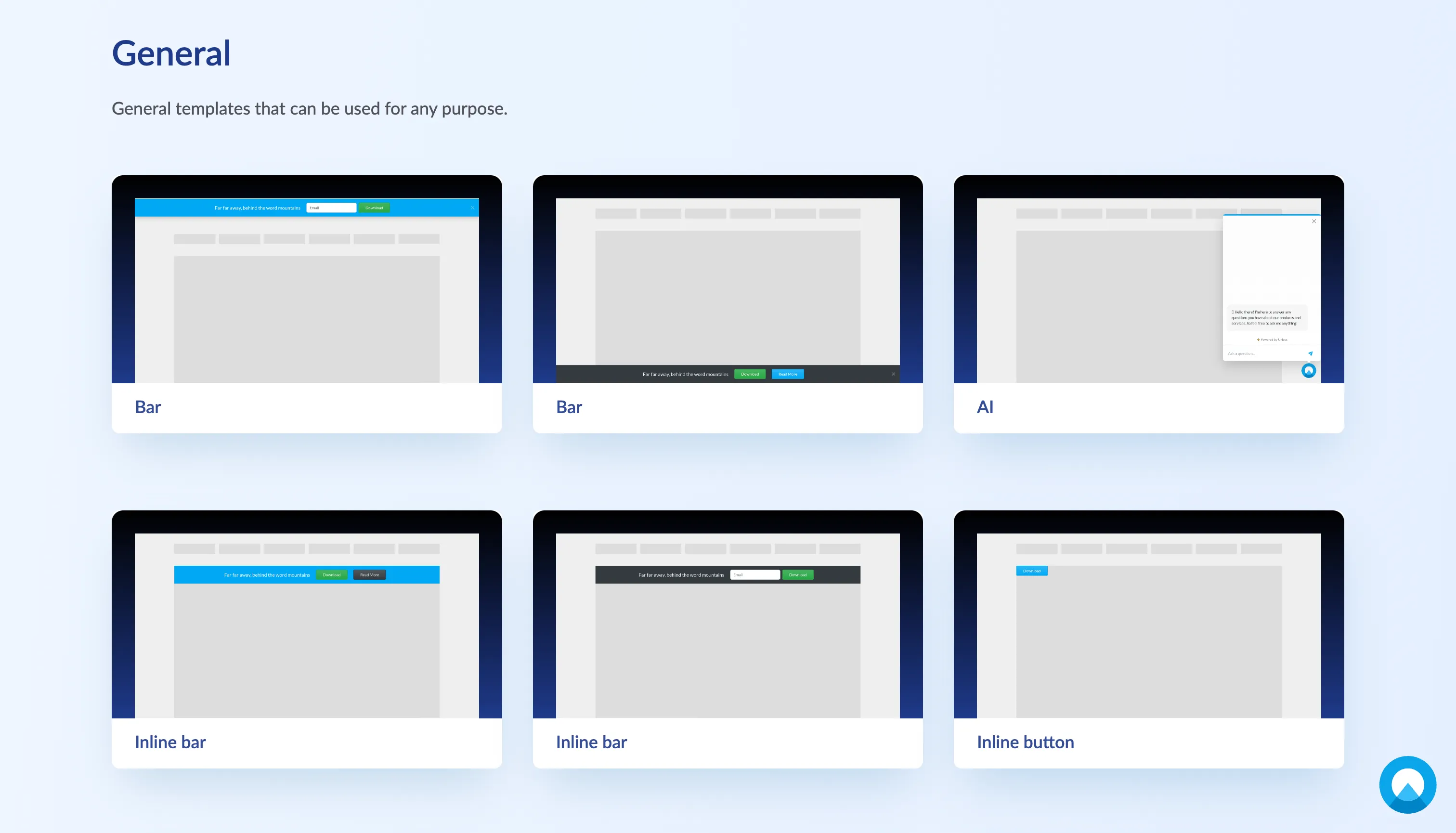
A UI template with a prompt can act as a conversation starter with your users. The conversations can be aimed at onboarding new users, making feature announcements, activating existing users to increase adoption, and so much more.
In all of these cases, conversational UI is about information and making it accessible.
The communication of information no longer needs to be one-sided. Instead of you announcing something, the user reading it and clicking away, or opting to Learn More by reading an article, we can make the experience more interactive with a dialogue. Once an announcement is made, the user can ask follow-up questions and get more information or receive guidance on how to implement something new, right in the product.
AI persona
When explaining our vision, a big part of our narrative was how a salesperson could sell much better than a website because they could tailor their message to fit the person they are talking to. And there’s a reason that someone in sales vs. customer service talks to customers in different ways. Because they have different goals and are approaching the user with that in mind.
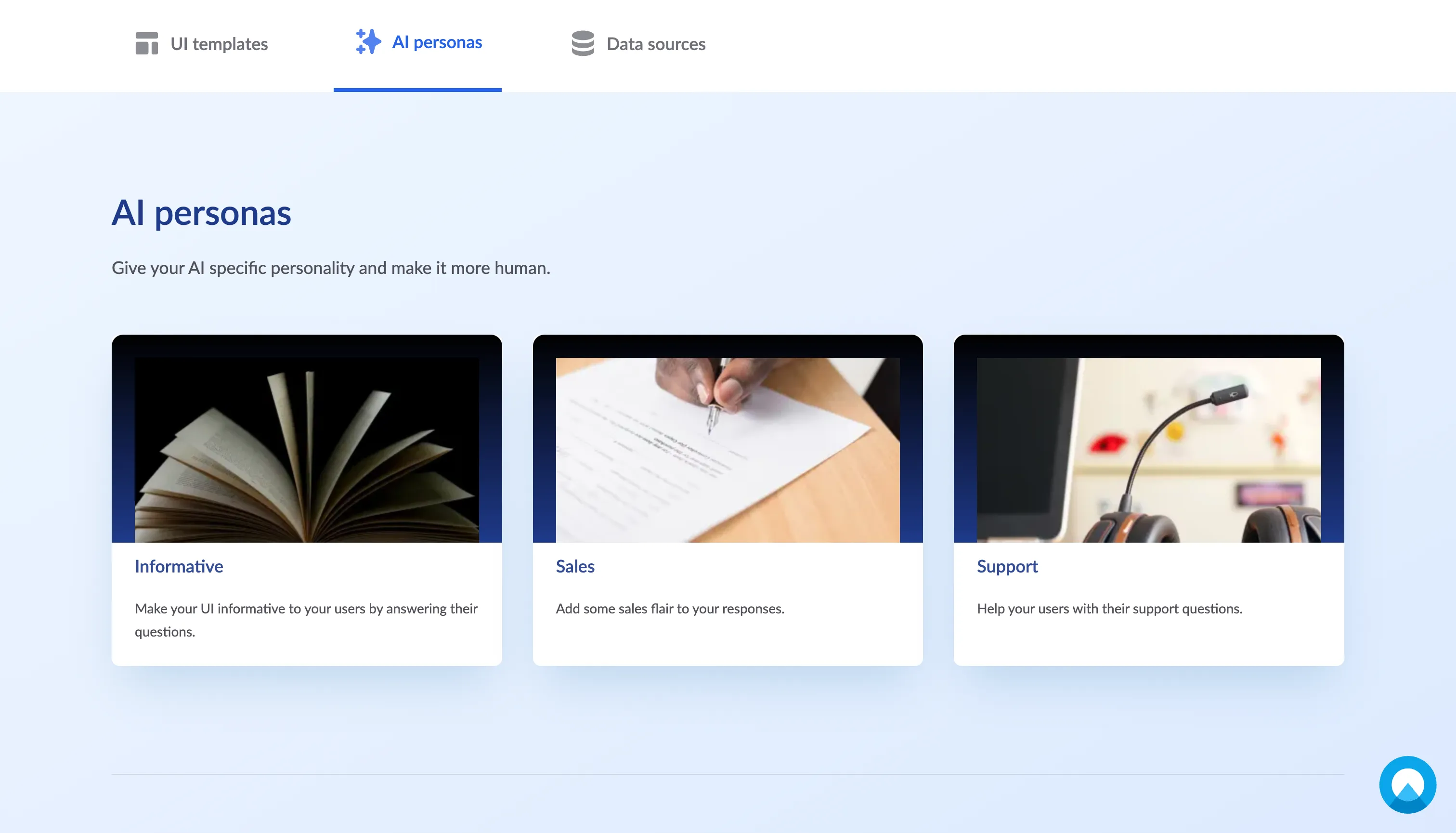
Similarly, you can configure your AI to have a persona by choosing one of the options: informative, sales, or support. Should your AI focus on helping users? Or should it increase conversion? This will impact the way they communicate with your users.
Data source
And of course, your AI needs to know what they are talking about! Using the AI training zone in your Unless account, you can train the AI to become an expert in your product. This is very simple to do within minutes and does not require any technical skills.
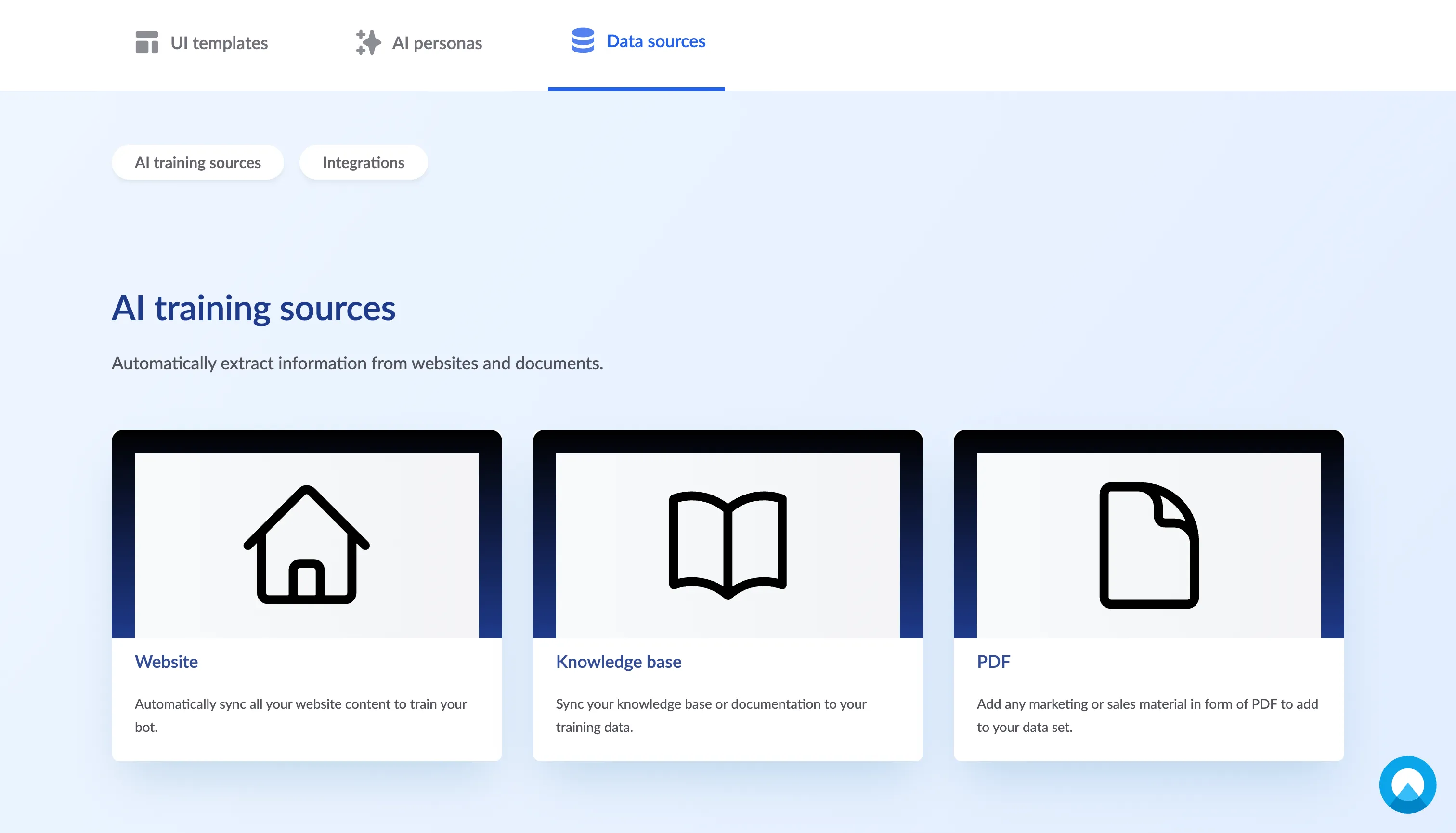
You can submit a variety of training sources and information will be automatically extracted from them. Your website is a good place to start as it’s likely a great hub of knowledge when it comes to your company, what you do, and the features you offer. The knowledge base is also a great source with blog posts, help center articles, and FAQs. Lastly, you can also upload documents such as PDFs with marketing or sales material to be added to your data set.
In addition to all the source material you can upload in the AI training zone to be synced, we also provide many integrations so you can connect your AI to your favorite tools and services. Examples include Hubspot, Salesforce, Mailchimp, and more. It is also possible to request a different integration and we can look into tapping into your API as well. For example, the AI could use your API to retrieve the latest order information to inform a customer about the status of their order.
Conclusion
And there you have it! This might feel a bit confusing as it’s a new concept but the steps to get started are very simple. Select a template (from which to initiate a conversation), select an AI persona, and add some data sources (so your AI knows what they’re talking about)! That’s it, your users can now interact with your product on human terms, at scale.
To find out more about the benefits of conversational UI like 24/7 availability, efficiency, and more, check out this post.